OVR Advanced Settings
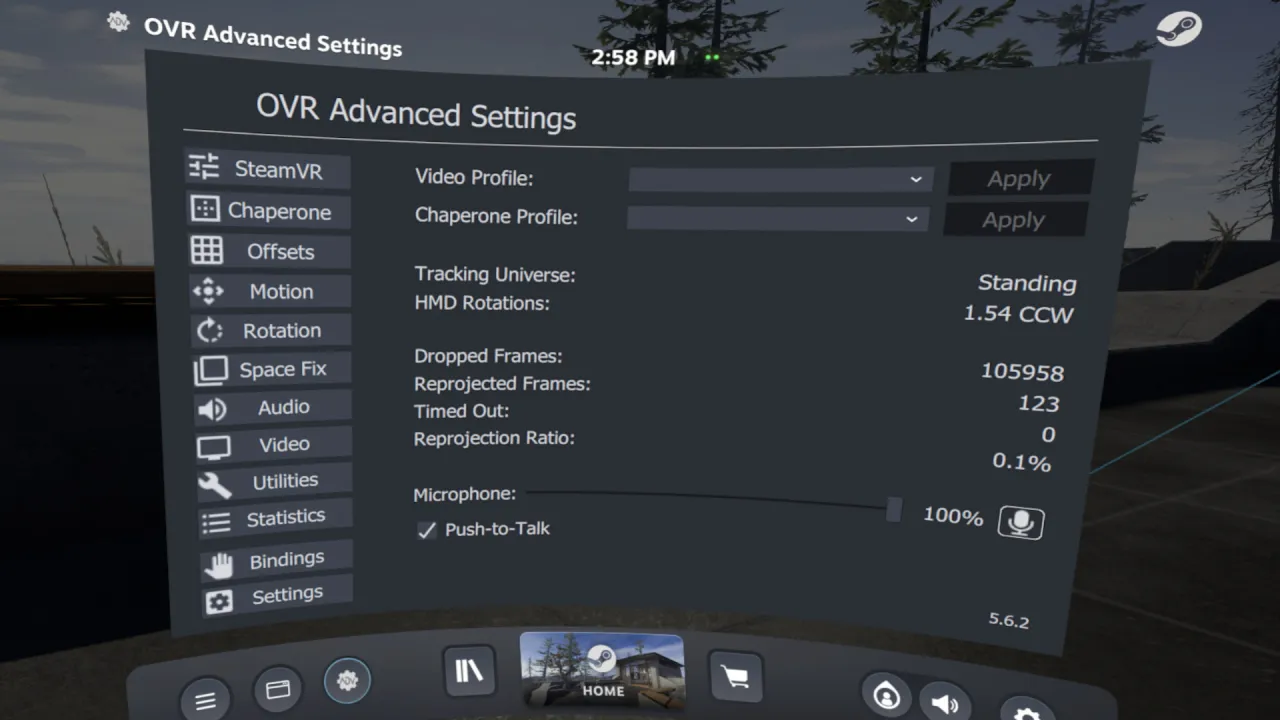
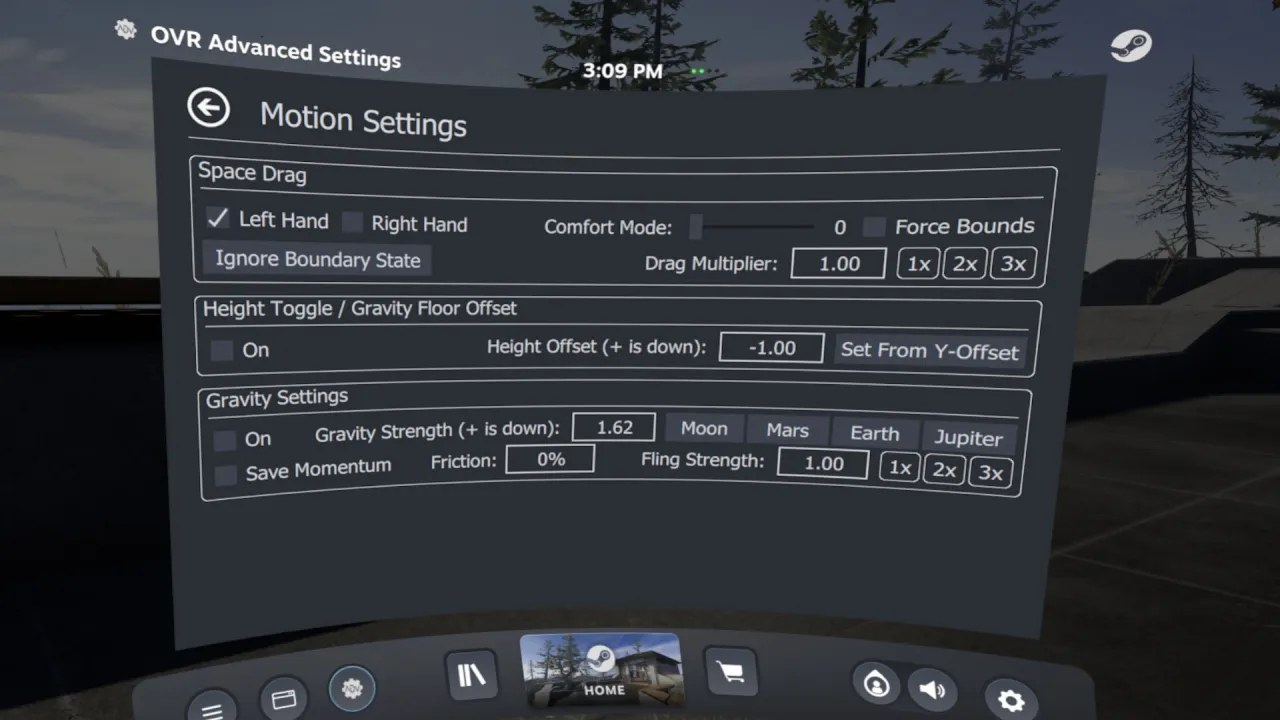
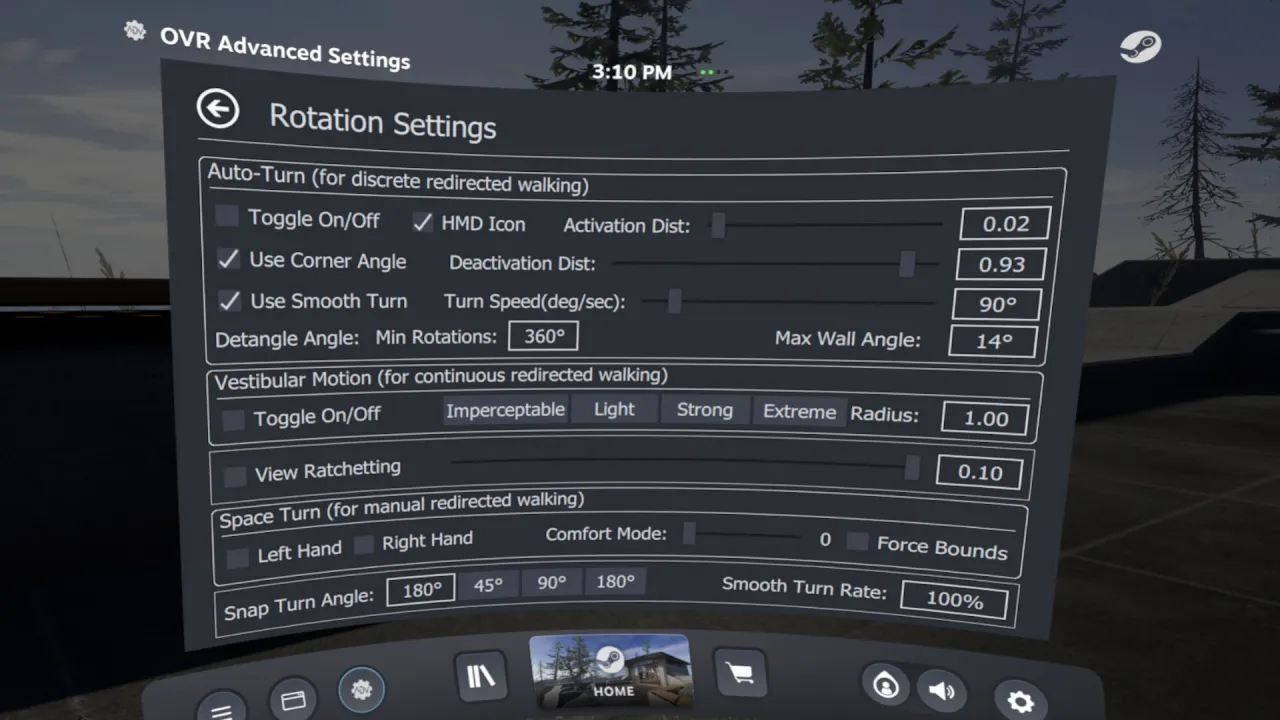
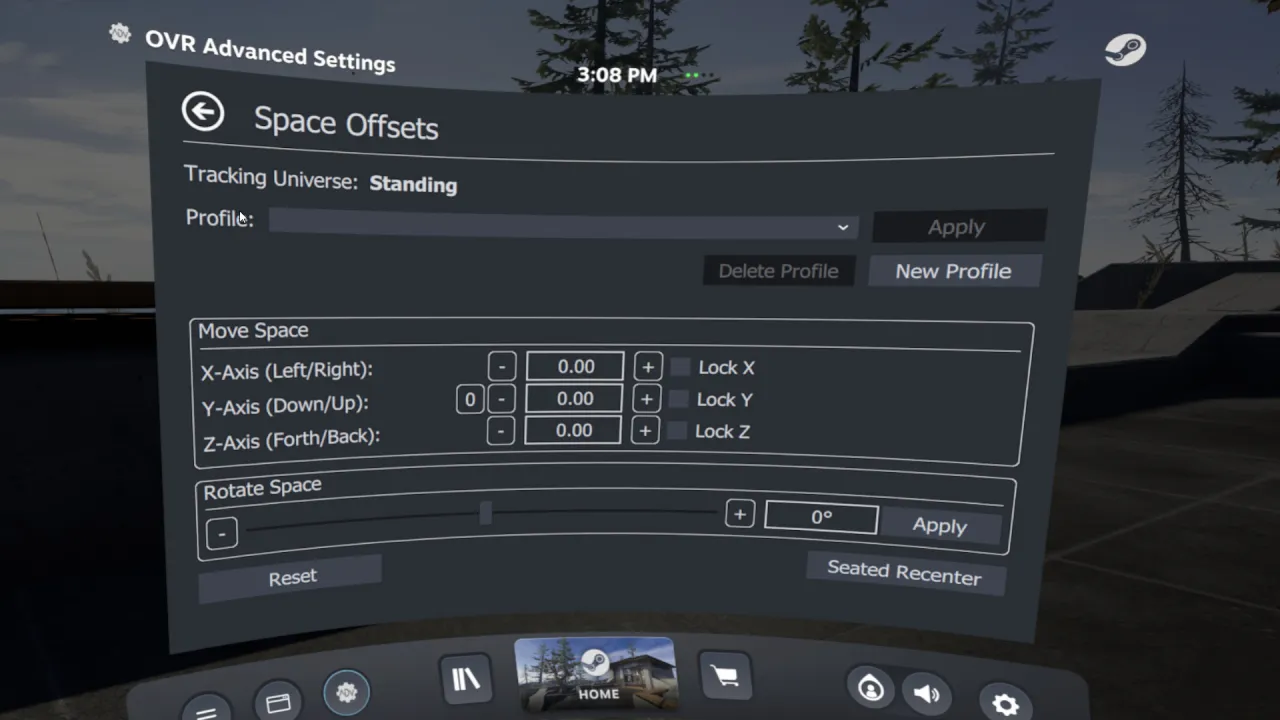
OVR Advanced Settings is a Dashboard Application for VR, that allows you to access many settings. OVRAS also has a myriad of utility features such as: simulated movement, adding smooth/snap turn to any game, video controls for the headset such as brightness, per-app bindings and much more.
Özellikler
- Space Drag: VR içinde el konumunuza göre kendinizi sanal olarak hareket ettirme imkânı
- Space Turn: Kumanda yönünüze göre kendinizi sanal olarak döndürme imkânı
- Fix Floor: Kumandayı yere koyarak zemin yüksekliğinizi hızla ayarlama imkânı
- Push-To-Talk/Push-To-Mute: Tuşa basarak mikrofonunuzu açma/kapatma imkânı
- Evrensel Snap/Smooth Turn: HERHANGİ bir SteamVR oyununa adım adım ya da yumuşak dönüş ekleyin
- Parlaklık Denetimi: HMD'nizin içinde farklı parlaklık seviyelerini taklit etme imkânı
- Lighthouse Cihaz Eşleştirme: Lighthouse cihazlarınızı (index kumandaları, vive wand'ları, vive tracker'ları, tundra tracker'ları vb.) seçtiğiniz kablosuz dongle ile tek tek eşleştirin
- Uygulama Bazlı Kontrol Eşlemeleri: Kaplama uygulamaları için uygulama bazında geçerli olacak SteamVR eşlemeleri oluşturun
🖼 Ekran görüntüsü
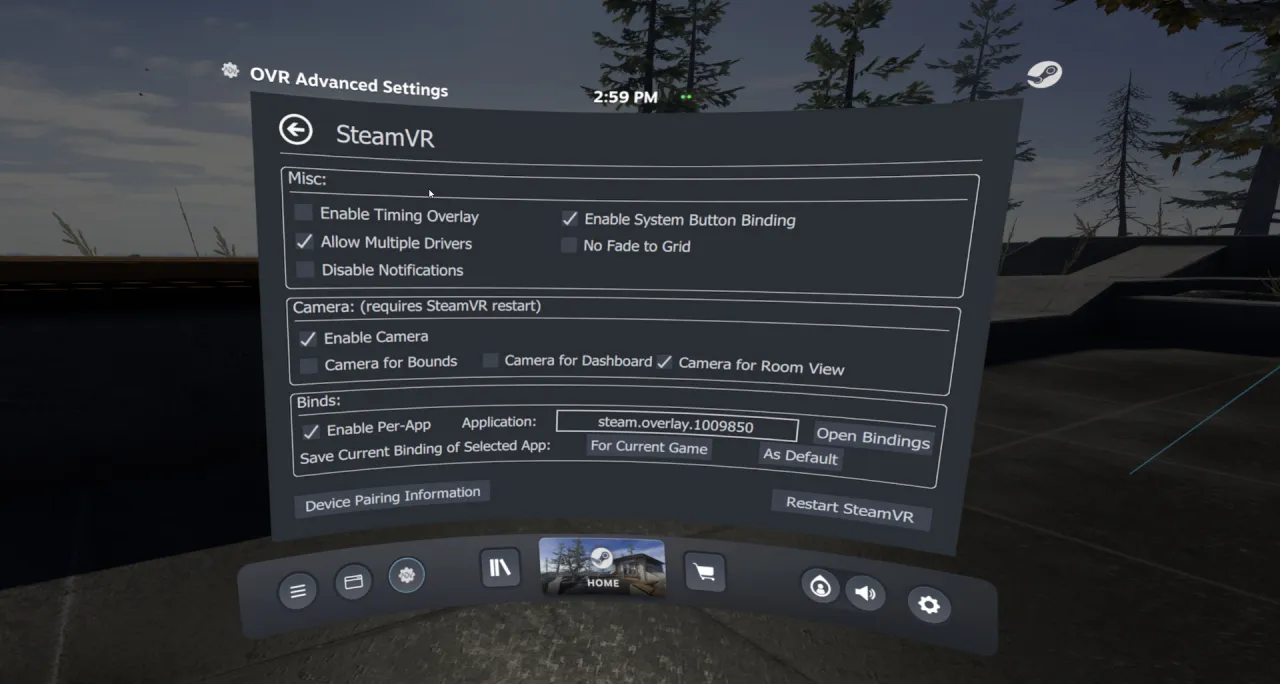
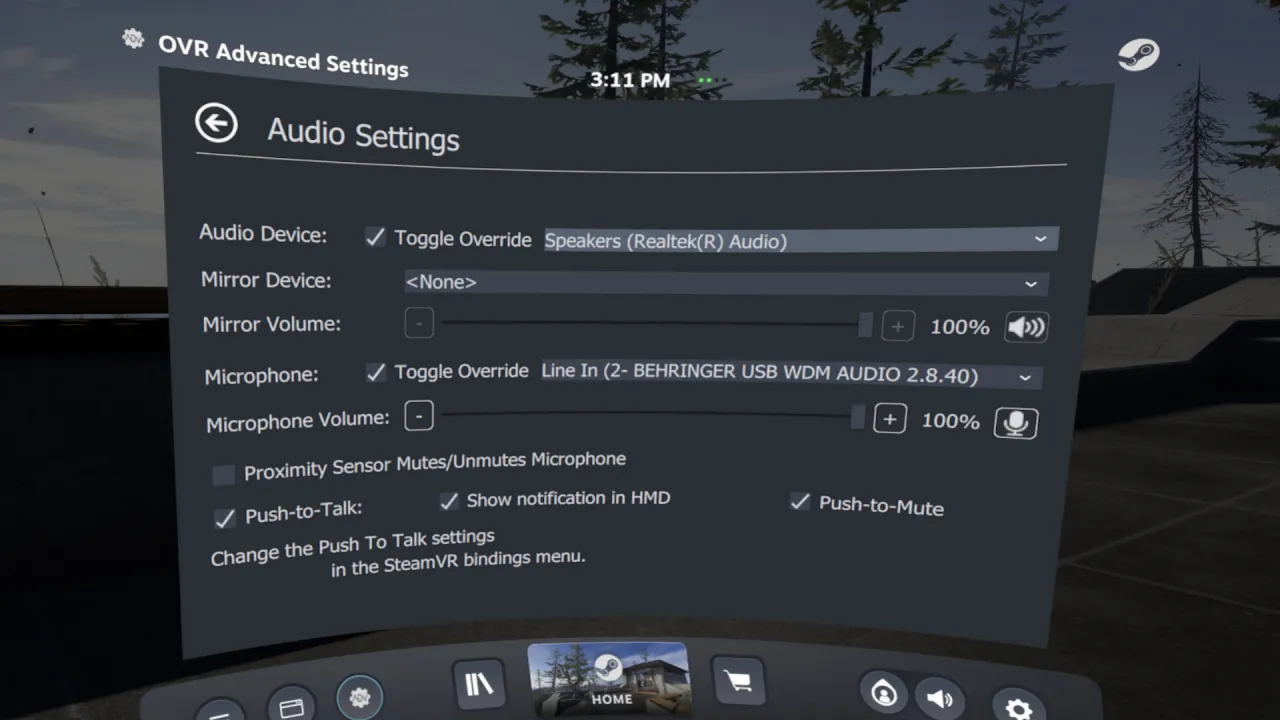
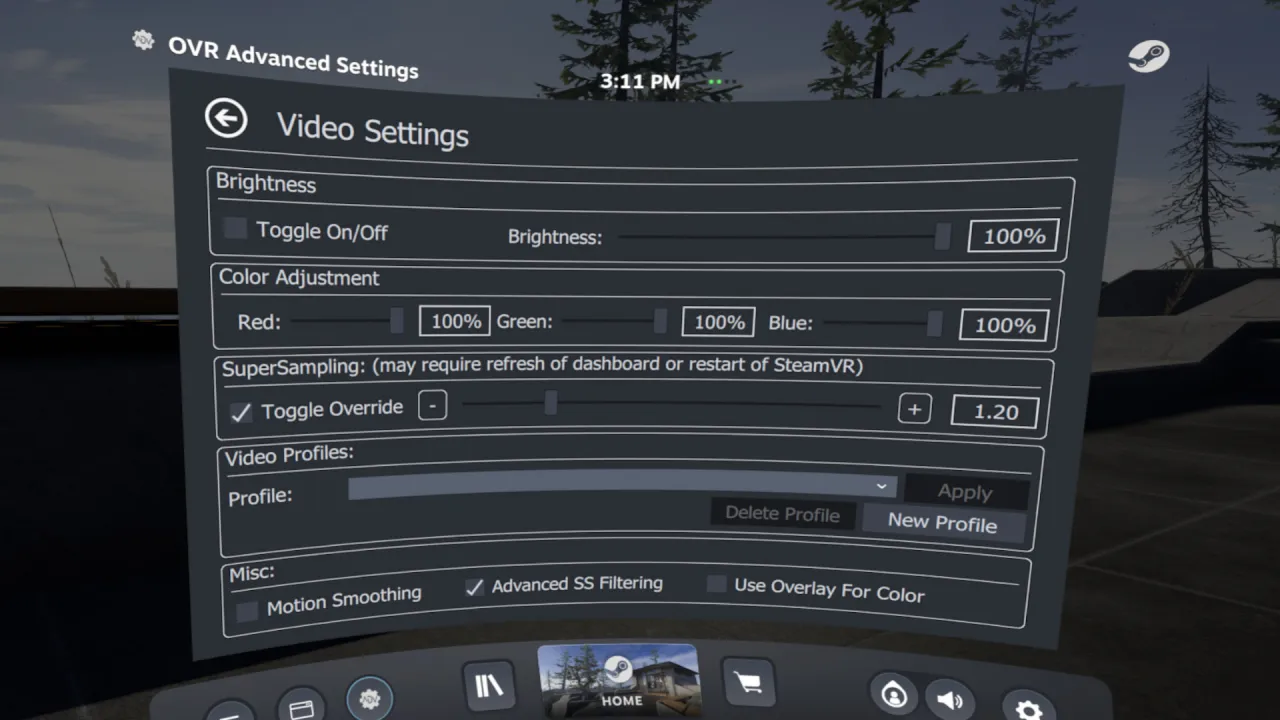
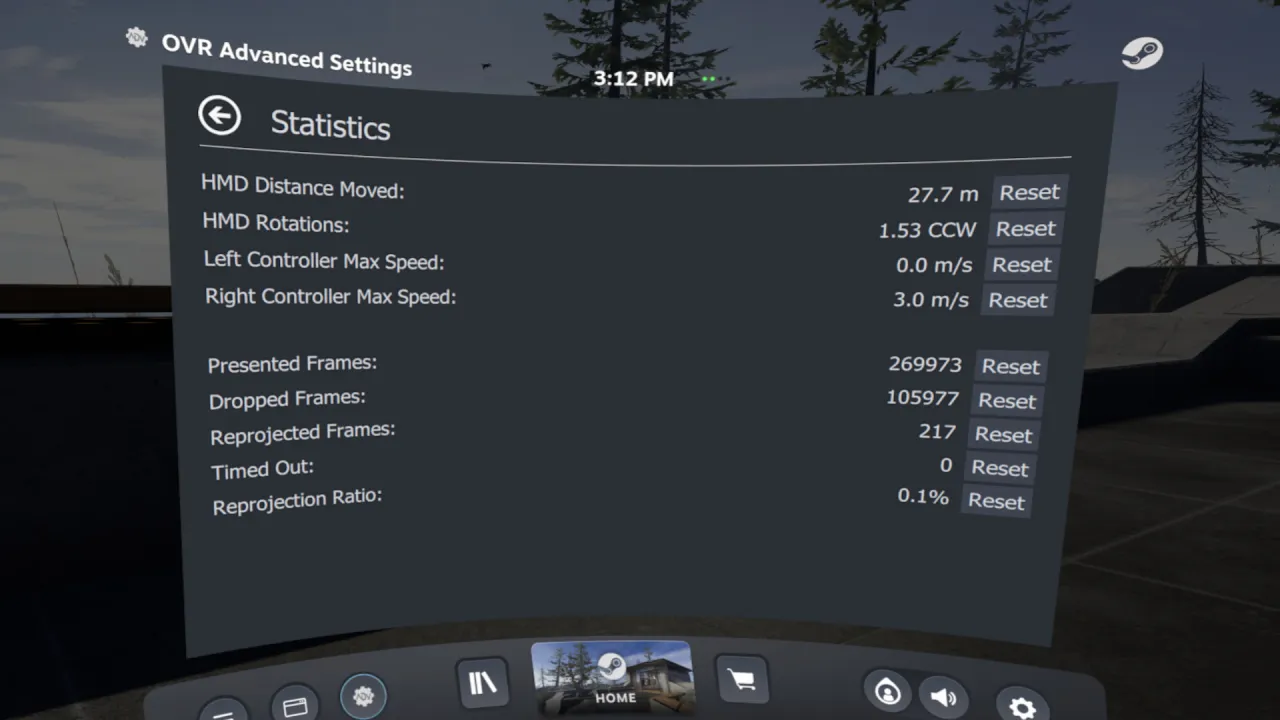
Uyumluluk ve Sorumluluk Reddi
Başlık ve özellik çeşitliliği nedeniyle her özellik her başlıkta çalışmaz.
Bir sorunla karşılaşırsanız bize kendi kanallarımızdan ya da Steam topluluk sayfalarından ulaşın.
Intel ARC GPU kullanıcıları: Dashboard çizimi düzgün çalışmıyor, masaüstü modunu kullanmanız gerekecek.
Bazı çoklu GPU ve dizüstü sistemlerde Dashboard çiziminde sorun olur; kaplamayı Masaüstü Modu'nda çalıştırmanız gerekebilir.
Tanıtım müziği:
NAND'dan "Astra"
Yazılım Açıklaması
OVR Advanced Settings, SteamVR için bir masaüstü kaplama uygulaması; VR'dan çıkmadan geniş bir ayar ve araç yelpazesi sunuyor.▶ Video
⚙ Sistem gereksinimleri
Asgari sistem gereksinimleri
Minimum:
• 64-bit işlemci ve işletim sistemi gerektirir
• İşletim Sistemi: Win 10 x64
• İşlemci: i5-4590/AMD FX 8350 equivalent or better
• Bellek: 4 GB RAM
• Ekran Kartı: Nvidia GTX 970/ AMD Radeon R9 290 equivalent or better.
• DirectX: Sürüm 10
• Depolama: 300 MB kullanılabilir alan
• VR Desteği: SteamVR
Önerilen sistem gereksinimleri
Önerilen:
• 64-bit işlemci ve işletim sistemi gerektirir
• İşletim Sistemi: Win 10 x64
• İşlemci: AMD Ryzen 6-core or better, Intel 8th gen 6-core or better
• Bellek: 16 GB RAM
• Ekran Kartı: Nvidia GTX 970/ AMD Radeon R9 290 equivalent or better.
• DirectX: Sürüm 10
• Ağ: Genişbant İnternet bağlantısı
• Depolama: 500 MB kullanılabilir alan