How to play guide
League of Legends Beginner's Guide: Lanes, Roles, Gold and Your First Games
A League of Legends starter guide: the Nexus goal, three lanes and the jungle, five positions, minions and gold, Q W E R and D F keys, the new WASD controls, the Practice Tool and common mistakes.

League of Legends is Riot Games' free-to-play MOBA, live since 2009. A MOBA (multiplayer online battle arena) is a strategy genre in which two teams try to destroy each other's base. Matches are usually five versus five, and each player controls a champion with a unique kit.
This guide is for players who just installed the game, or keep asking “where should I go, what should I buy, why do I keep dying?” League takes a long time to learn, so this guide explains the fundamentals that help in every match rather than individual champions.
Champion counts, item balance and the meta change with patches, so we don't give numbers or tier lists here.
Goal of the game
According to Riot's official how-to-play guide, the goal is to destroy the enemy team's Nexus, the core of their base, before they destroy yours. The main map, Summoner's Rift, has three lanes: top, mid and bot. Riot says each lane has three turrets and one inhibitor, and each Nexus is guarded by two turrets. Your team must clear at least one lane to reach the enemy Nexus. The jungle between lanes is home to neutral monsters.
Minions spawn from both bases and march down the lanes. Champions level up with experience and buy items with gold at the shop in the Fountain behind the base. Riot says each champion has five abilities: a passive, three basic abilities and an ultimate. Teams usually split into five positions: top, jungle, mid, bot (marksman) and support. Baron Nashor, the jungle's strongest monster, and the drakes give powerful team bonuses.
Controls
| Key | Action |
|---|---|
| Right click | Move / attack target (classic click-to-move) |
| Q W E | Basic abilities |
| R | Ultimate |
| D / F | Summoner spells (e.g. Flash, Teleport) |
| Ctrl + Q/W/E/R | Level up ability |
| 1 2 3 5 6 7 | Active item slots |
| 4 | Trinket slot (ward) |
| B | Recall to base |
| A | Attack move |
| S | Stop |
| Space | Center camera on champion |
| Y | Toggle camera lock |
| G | Alert ping |
| Enter / Shift + Enter | Team chat / all chat |
| Arrow keys | Scroll camera |
First steps
- Play the tutorial and bot gamesThe tutorials cover basic controls and map logic. Then try a few champions in Co-op vs. AI before facing real players; it cuts down on discouraging early losses.
- Choose a control schemeThe classic scheme uses right click to move. According to the community wiki, patch V25.24 added WASD movement, which moves basic attacks to left click, Q to right click and W to Left Shift. Try both and stick with what feels right.
- Focus on a few championsInstead of a new champion every game, learn one or two champions and a single position. Knowing your abilities, ranges and cooldowns makes everything else easier to understand.
- Learn last-hittingThe player who lands the killing blow on a minion gets the gold. Learning to last-hit before trading with opponents gets your items online sooner.
- Start with recommended itemsThe shop lists recommended items for your champion. You don't need to memorise the item system; follow recommendations and learn why over time.
- Play near your turretRiot says turrets damage enemies and grant vision. Staying near your own turret early makes you much harder to take down.
- Use the Practice ToolIn the Practice Tool you can add gold, level up, refresh cooldowns and spawn target dummies; the community wiki lists its hotkeys. Practise a new champion's combos there.
- Time your recallsWhen low on health or with enough gold, press B to return to base, shop and come back. Recall takes a few seconds and is interrupted by damage, so start it somewhere safe.
Tips and tactics
- Make checking the minimap a habitAn enemy jungler or roamer shows up on the minimap before they reach you. Glancing at it every few seconds is the habit new players most often neglect.
- Place wardsPut the ward from your trinket slot (4) in brushes beside lanes and at jungle entrances. Enemies coming from unseen areas are the most common cause of death.
- Don't waste summoner spellsSpells like Flash have long cooldowns. Save them for escapes or decisive plays; when you notice an enemy used theirs, you have the advantage.
- Take objectives as a teamRiot says Baron Nashor is the jungle's strongest monster, granting power and empowered minions, while drakes give various team buffs. Go for them together, not alone.
- Think turrets, not killsThe Nexus decides the game, not eliminations. Turn advantages into turrets, inhibitors and big objectives.
- Use pingsPress G for an alert ping, or Alt/Ctrl with left click for quick pings. It's the fastest way to warn your team without voice.
- Know your skill orderOn level up, press Ctrl with Q, W, E or R to upgrade an ability. Ultimates usually unlock upgrades at set levels; follow champion recommendations for priority.
- Try camera lockUnlocked camera gives more vision long term, but locked camera (Y) may be more comfortable for beginners. Space snaps back to your champion any time.
- Mute negative chatIn-game chat can be discouraging. Muting it or reporting bad behaviour helps you stay focused.
- Read patch notesRiot adjusts champion and item balance with regular patches. Patch notes tell you if your favourite champion changed.
Common mistakes
- Trying a different champion and position every game: the fundamentals never settle.
- Ignoring last-hitting: you fall behind in gold and items come late.
- Pushing too far without checking the minimap: unseen enemies catch you easily.
- Not warding: enemies from the jungle catch you off guard.
- Starting Baron or a drake alone: without the team you lose both objective and lives.
- Chasing kills and forgetting turrets: the Nexus decides the game, not the scoreboard.
Frequently asked questions
Is League of Legends available in Turkish?
Is League of Legends free?
Which platforms is it on?
How long does a match last?
When can I play ranked?
This guide was written for version: Guide written for the current patch as of September 2026; keys are click-to-move defaults and can be changed under Hotkeys in settings.


Yudum World
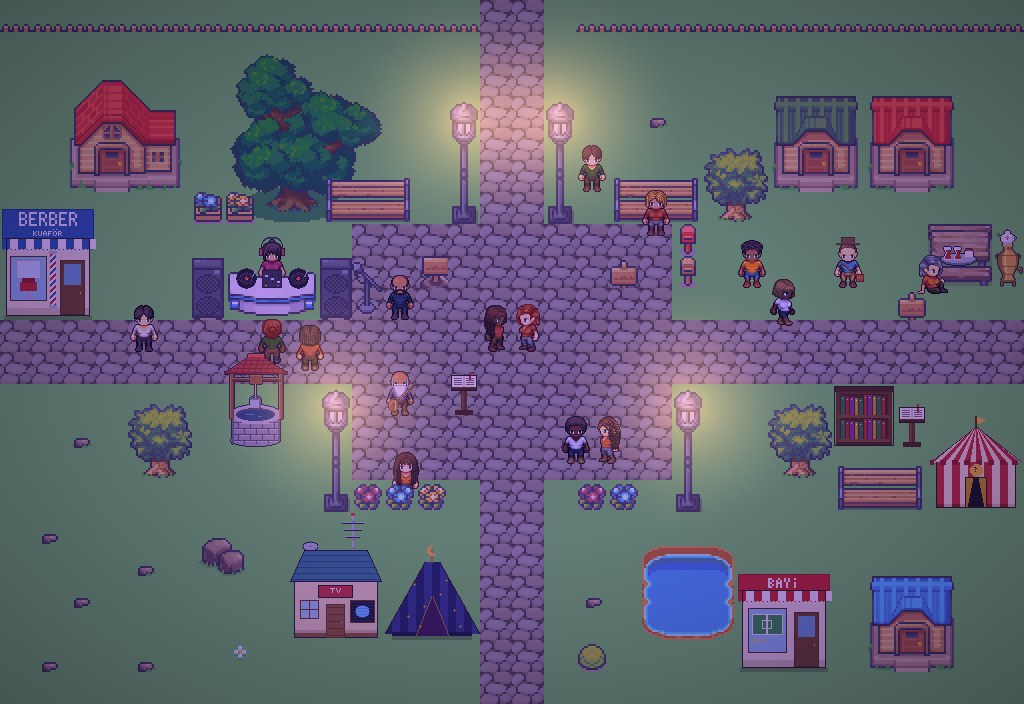
A village at the foot of Mount Kaf.
Create your character, stroll the square and meet people face to face. In your browser, free.
- 🧑 Create your character
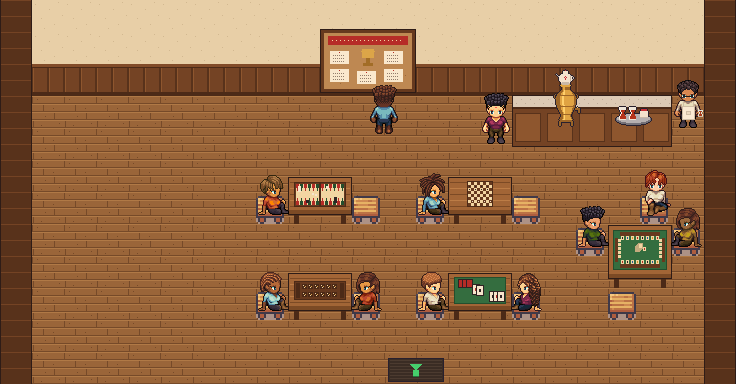
- 🎲 Play a round at the coffeehouse
- 🏠 Build a home with your group
 Yudum WorldA village at the foot of Mount Kaf is waiting for you.Join free →