OBS Studio
Free and open-source software for video recording and live streaming
OBS Studio is a free and open source program for livestreaming and video recording.
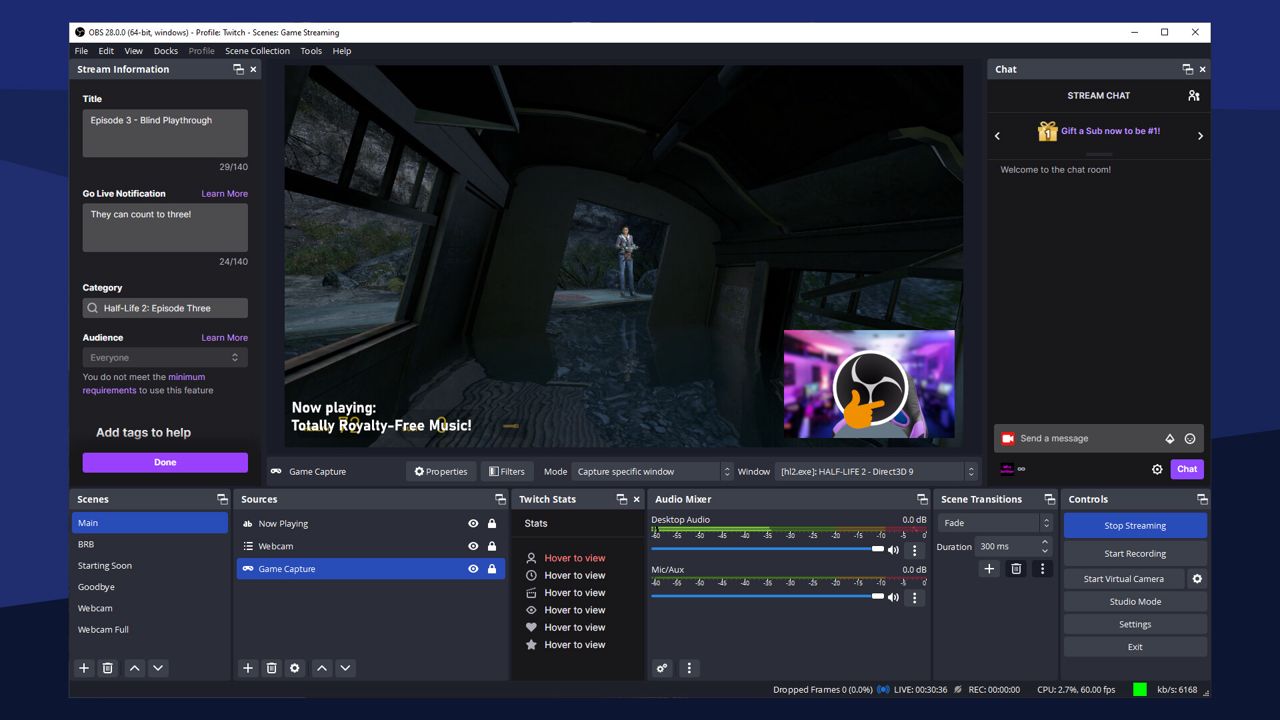
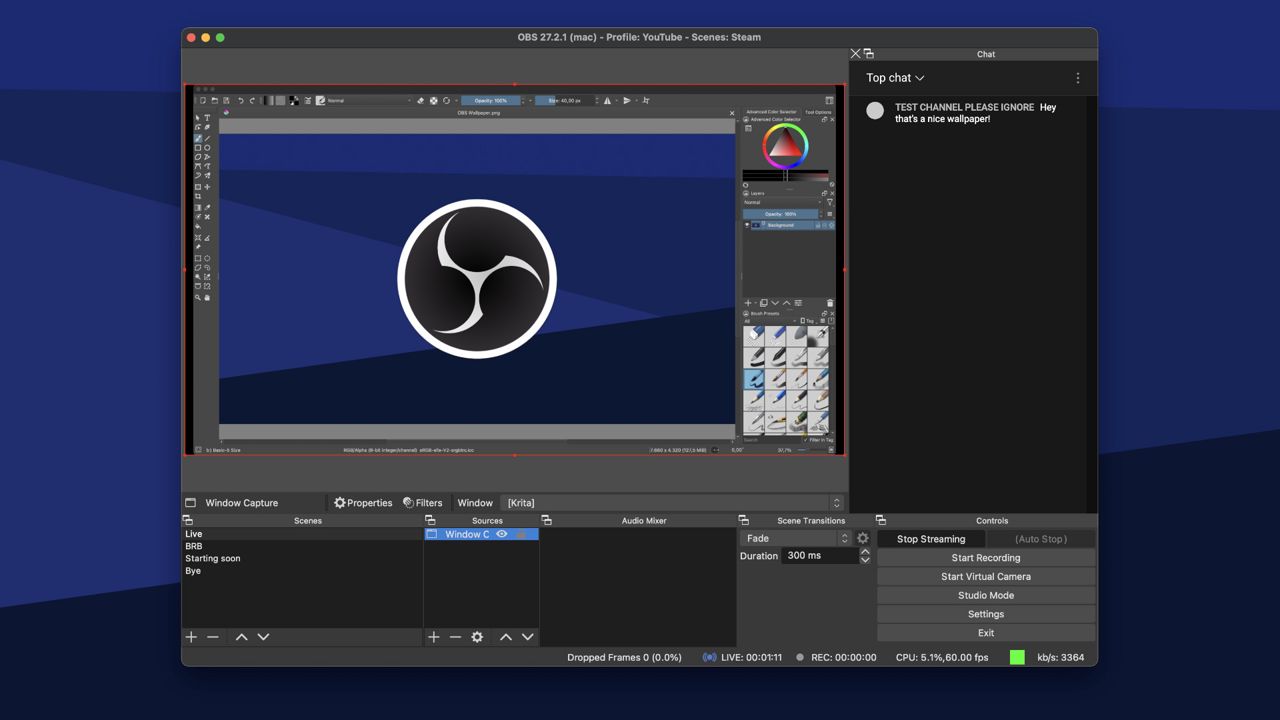
Create scenes with multiple types of video sources, including your computer display, video games, webcams, video files, and more.
Stream your video productions on sites like Twitch, YouTube, or Facebook live, or record your videos locally to share.
Features
- Livestream video to sites like Twitch, YouTube, Facebook Live, and many more, including your own custom servers
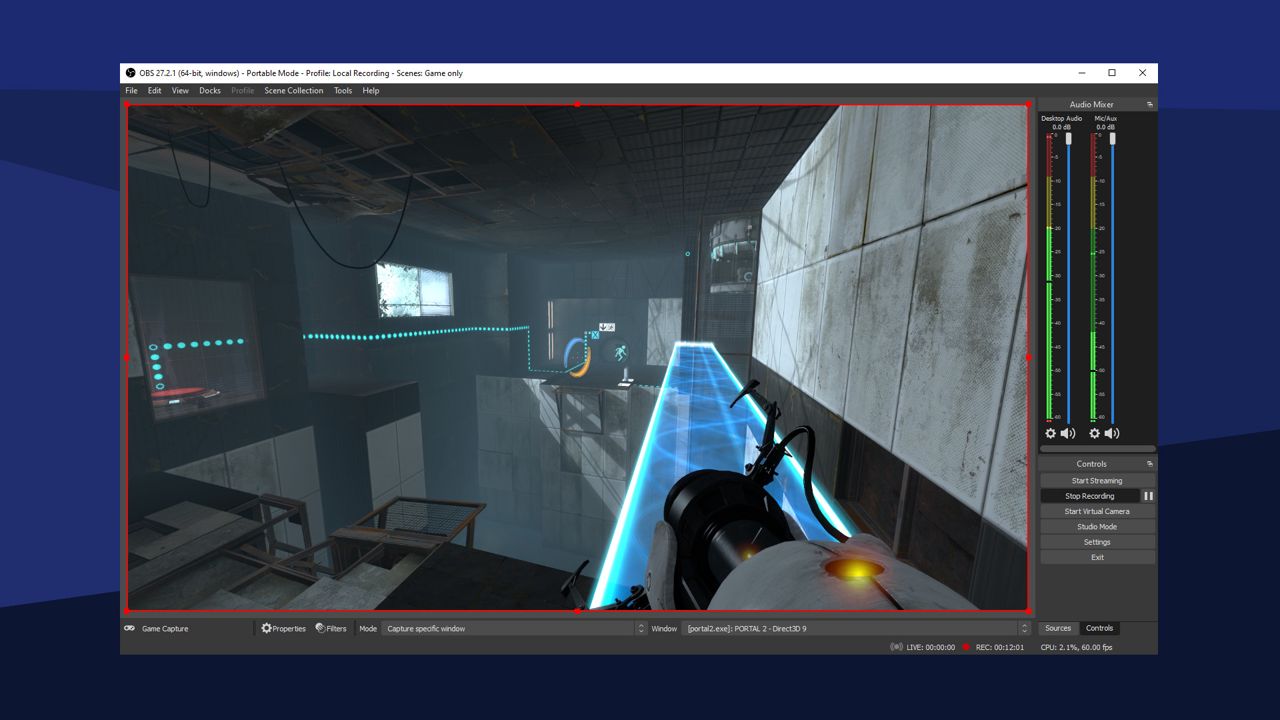
- Record videos to save to your hard drive and share with friends
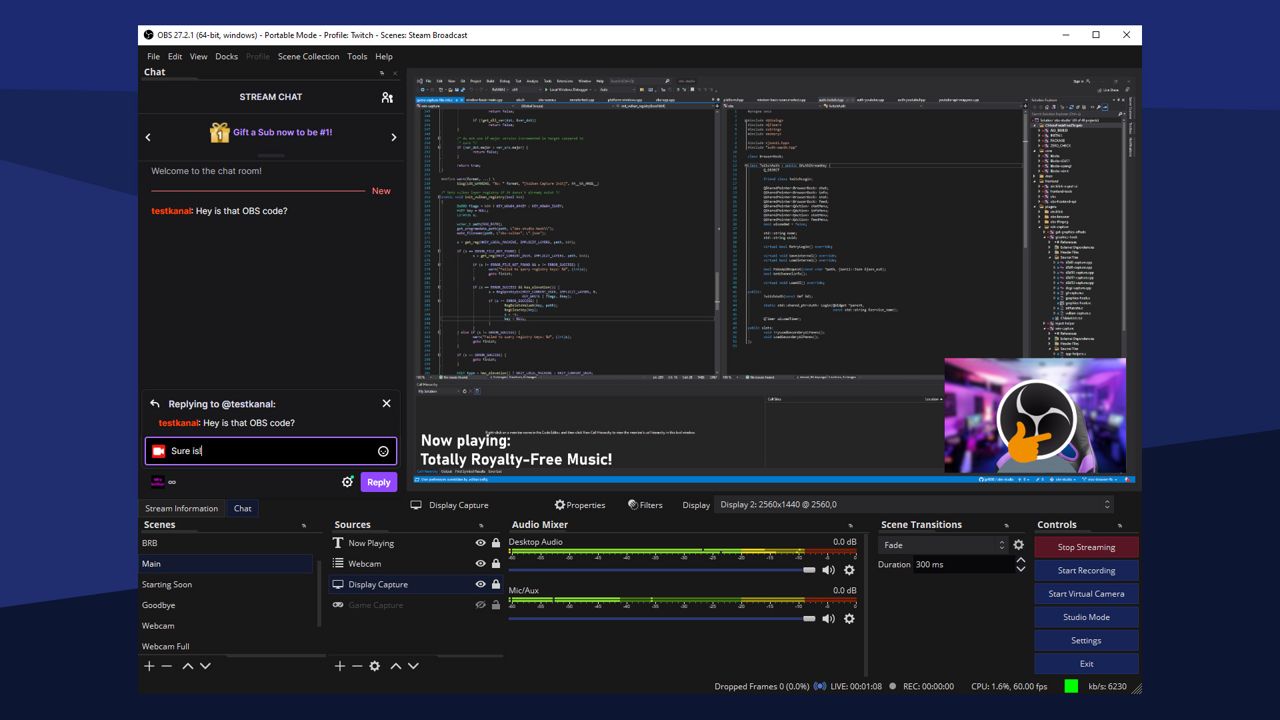
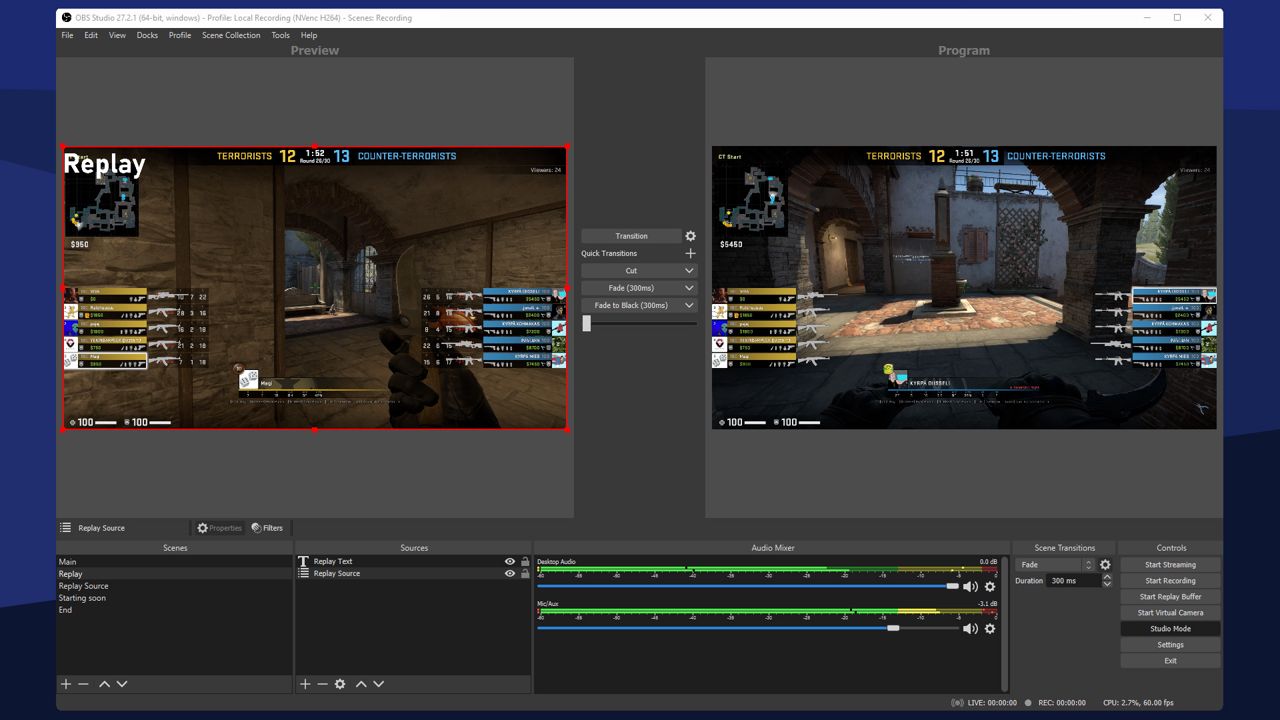
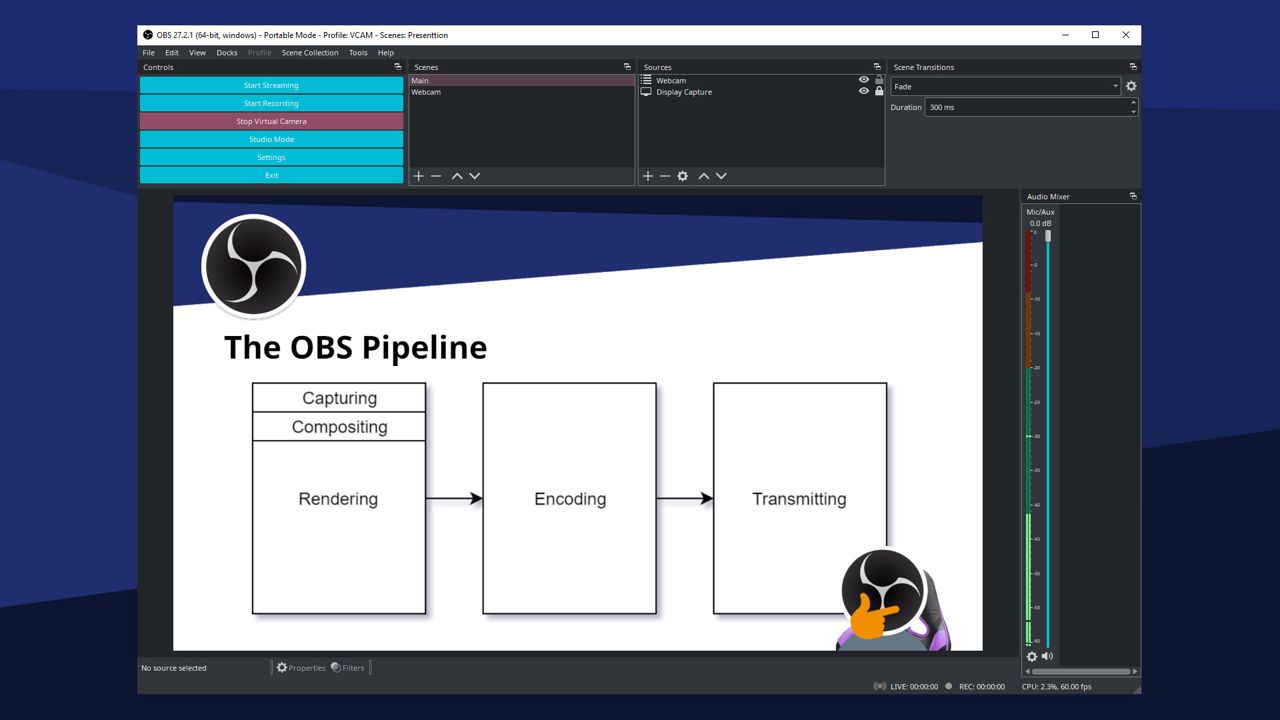
- High performance real time video/audio capturing and mixing. Create scenes made up of multiple sources including window captures, images, text, browser windows, webcams, capture cards and more
- Set up an unlimited number of scenes you can switch between seamlessly via custom transitions
- Intuitive audio mixer with per-source filters such as noise gate, noise suppression, and gain. Take full control with VST plugin support
- Powerful and easy to use configuration options. Add new Sources, duplicate existing ones, and adjust their properties effortlessly
🖼 Screenshots
⚙ System requirements
Minimum system requirements
Minimum:
• Requires a 64-bit processor and operating system
• OS: Windows 10 20H2 (64 bit)
• Processor: Intel i5 2500K, AMD Ryzen 1300X
• Memory: 4 GB RAM
• Graphics: GeForce GTX 900 Series, Radeon RX 400 Series, Intel HD Graphics 500
• DirectX: Version 11
• Storage: 600 MB available space
• Additional Notes: Hardware encoders recommended
Recommended system requirements
Recommended:
• Requires a 64-bit processor and operating system
• OS: Windows 11 (64 bit)
• Processor: Intel i7 8700K, AMD Ryzen 1600X
• Memory: 8 GB RAM
• Graphics: GeForce 10 Series, Radeon 5000 Series, Intel Xe
• DirectX: Version 11
• Network: Broadband Internet connection
• Storage: 600 MB available space