OVR Advanced Settings
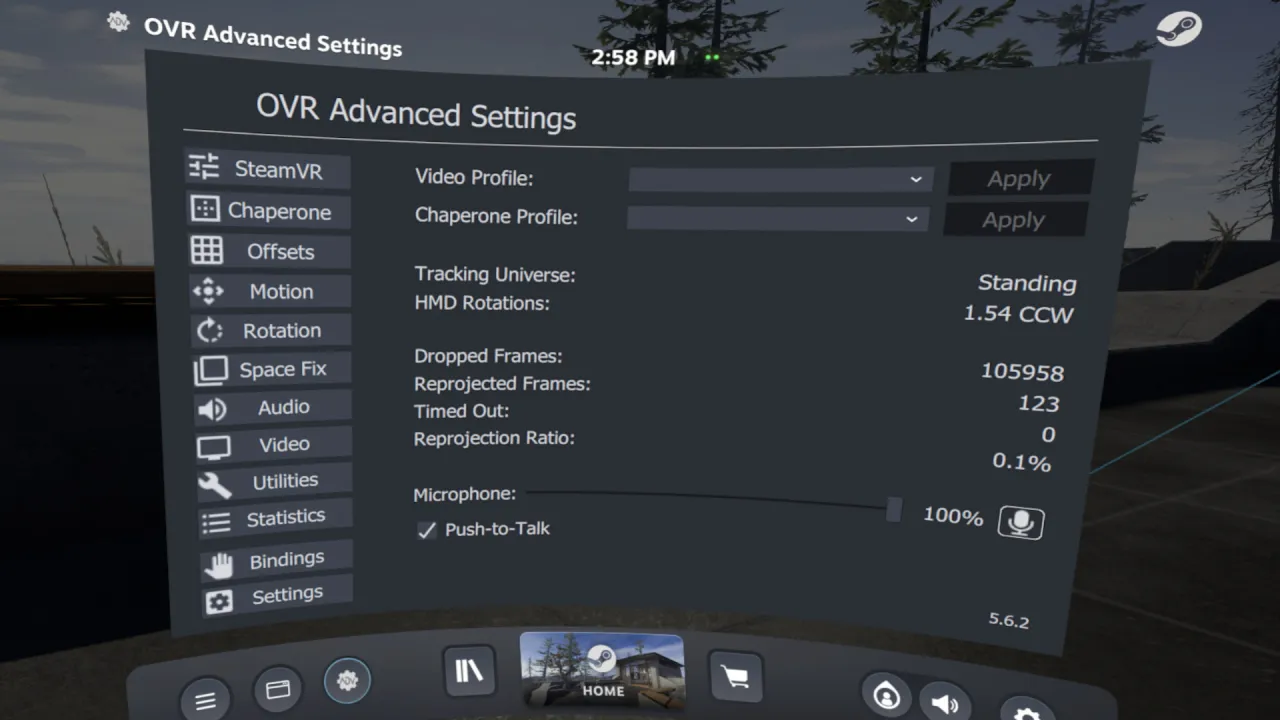
OVR Advanced Settings is a Dashboard Application for VR, that allows you to access many settings. OVRAS also has a myriad of utility features such as: simulated movement, adding smooth/snap turn to any game, video controls for the headset such as brightness, per-app bindings and much more.
Features
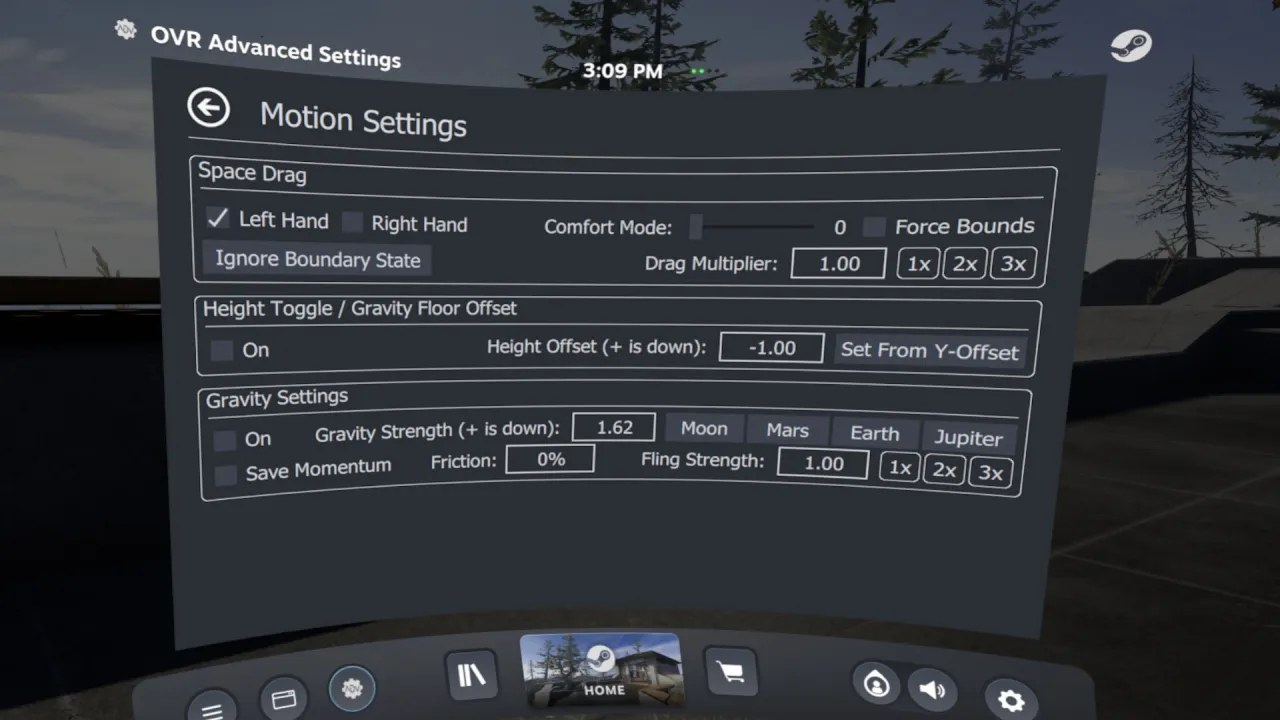
- Space Drag: The ability to virtually move yourself in VR based upon your hand position
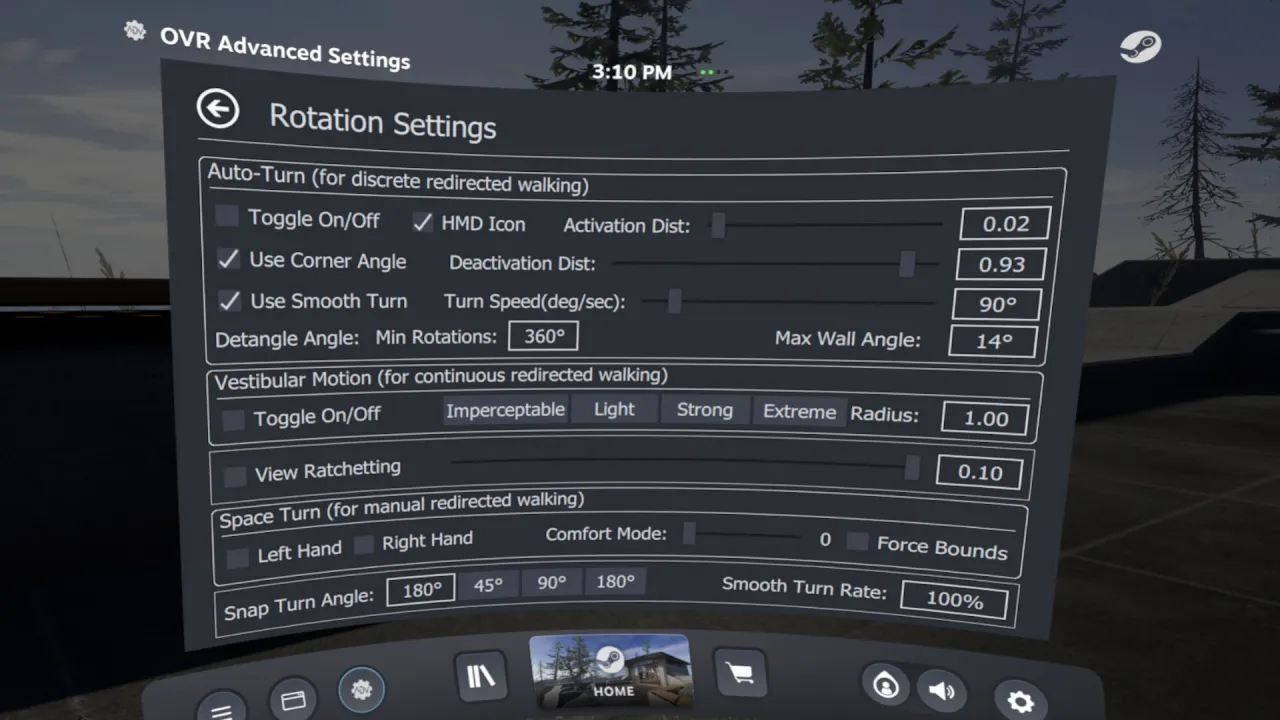
- Space Turn: The ability to virtually turn yourself based on your controller orientation
- Fix Floor: Ability to quickly set your floor height by placing your controller on the ground
- Push-To-Talk/Push-To-Mute: ability to un-mute/mute your mic on a button press
- Universal Snap/Smooth Turn: Add snap turning/smooth turning to ANY SteamVR game
- Brightness Control: Ability to Simulate different levels of brightness inside your HMD
- Lighthouse Device Pairing: Selectively pair your Lighthouse devices (index controllers, vive wands, vive trackers, tundra trackers, etc.) to your selected wireless Dongle
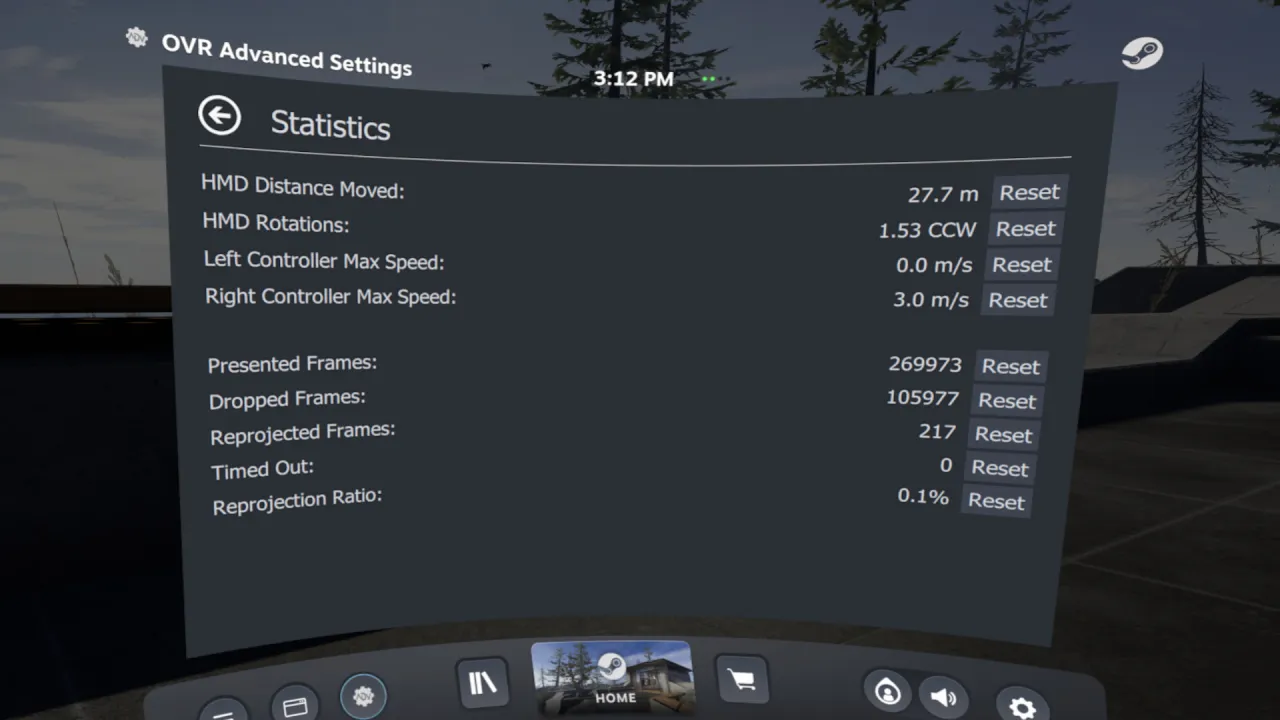
🖼 Screenshots
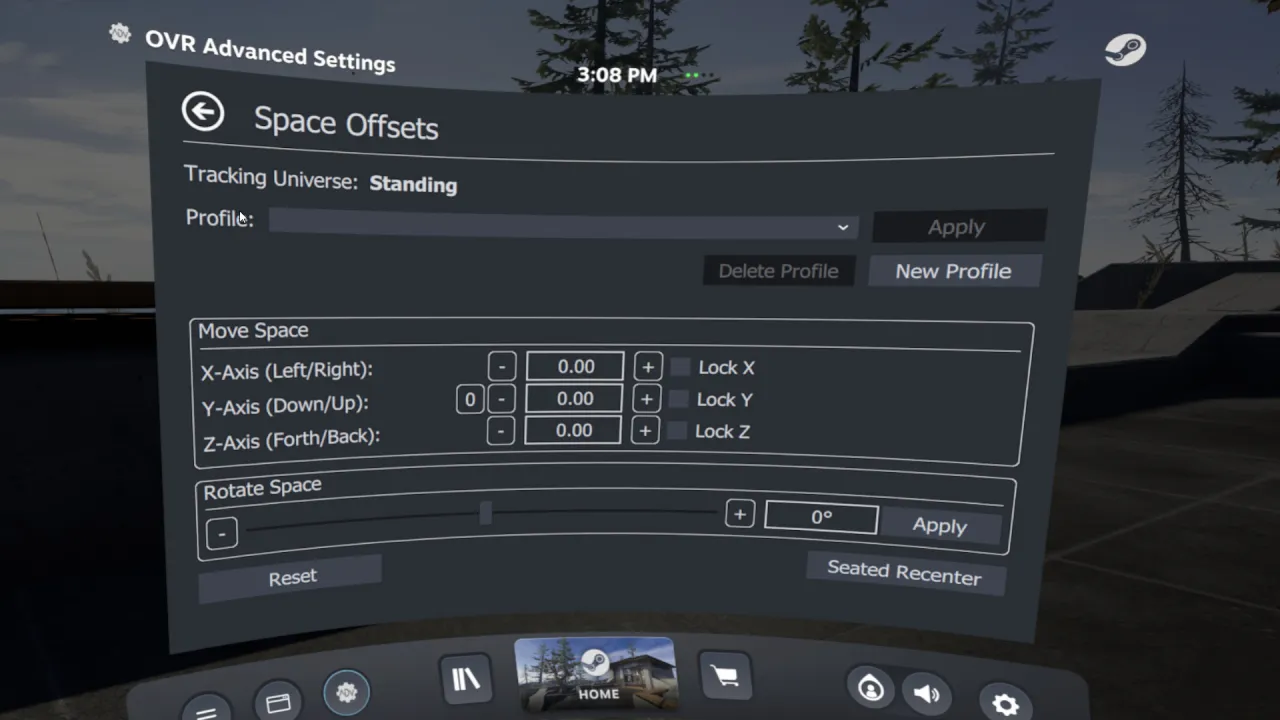
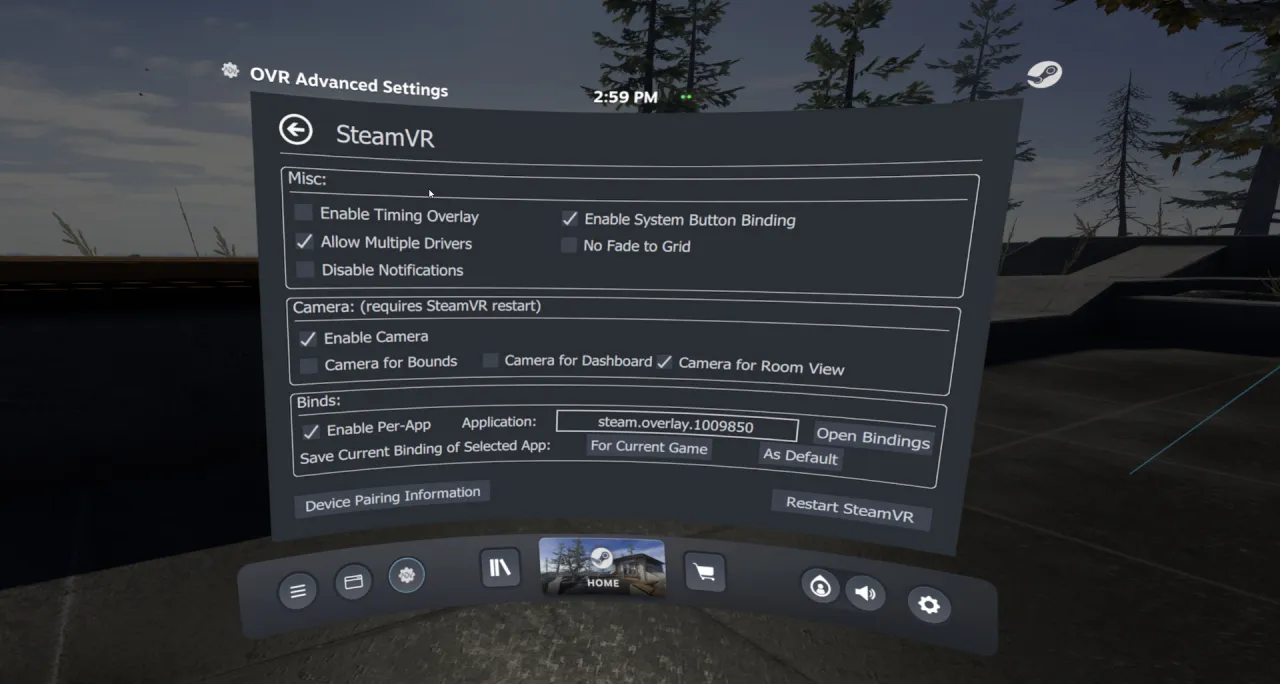
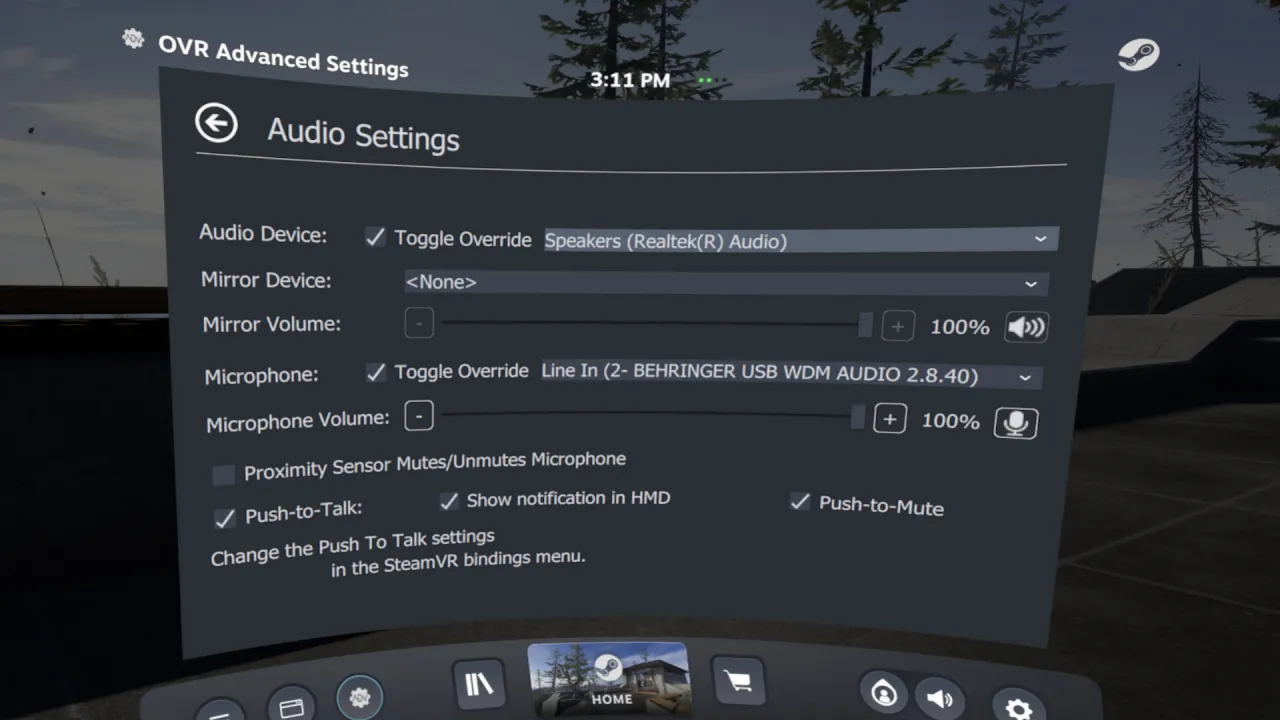
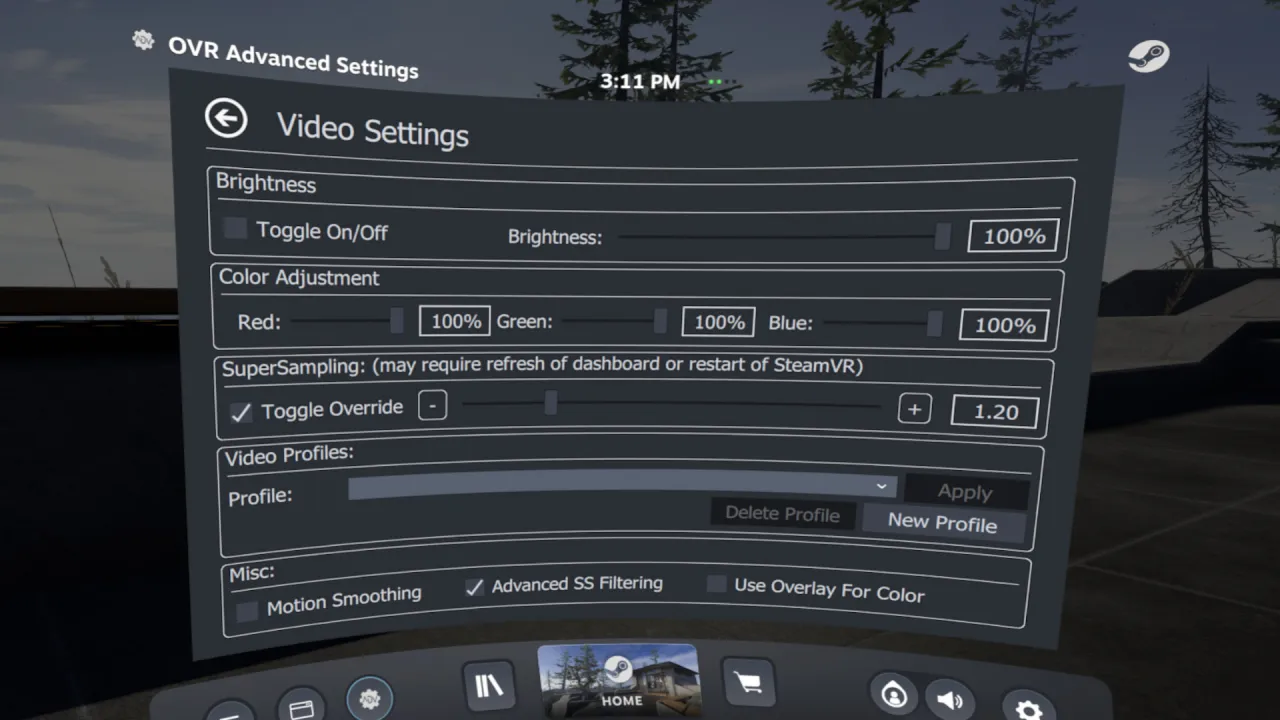
Compatibility and Disclaimers
Due to the wide-array of headsets and features, not every Feature will work with every headset.
If you encounter an issue please reach out via our , or the steam community pages.
Intel ARC GPU users – Dashboard Rendering does not properly work, and you will need to use desktop mode.
Some multi-GPU/Laptop systems will have problems rendering in the Dashboard, and you may have to run the overlay in Desktop Mode.
Trailer Music:
"Astra" By NAND
About the Software
OVR Advanced Settings is a desktop overlay application for SteamVR, giving you a wide array of settings, and utilities all while in VR.▶ Video
⚙ System requirements
Minimum system requirements
Minimum:
• Requires a 64-bit processor and operating system
• OS: Win 10 x64
• Processor: i5-4590/AMD FX 8350 equivalent or better
• Memory: 4 GB RAM
• Graphics: Nvidia GTX 970/ AMD Radeon R9 290 equivalent or better.
• DirectX: Version 10
• Storage: 300 MB available space
• VR Support: SteamVR
Recommended system requirements
Recommended:
• Requires a 64-bit processor and operating system
• OS: Win 10 x64
• Processor: AMD Ryzen 6-core or better, Intel 8th gen 6-core or better
• Memory: 16 GB RAM
• Graphics: Nvidia GTX 970/ AMD Radeon R9 290 equivalent or better.
• DirectX: Version 10
• Network: Broadband Internet connection
• Storage: 500 MB available space