Soundpad
Play sounds in voice chats in high digital quality. Add sounds or music to your microphone signal so others will hear it, too.
Play sounds in voice chats in high digital quality. Try the free demo now!
You probably heard of soundboard, where people put sounds together like the popular Duke Nukem sounds. With Soundpad you can play them not only to yourself, but also to others.
Features
Play sounds in voice chats
Works in any voice related application like Teamspeak, Mumble, Skype, Discord or games like Dota2, CS:GO or PUBG.
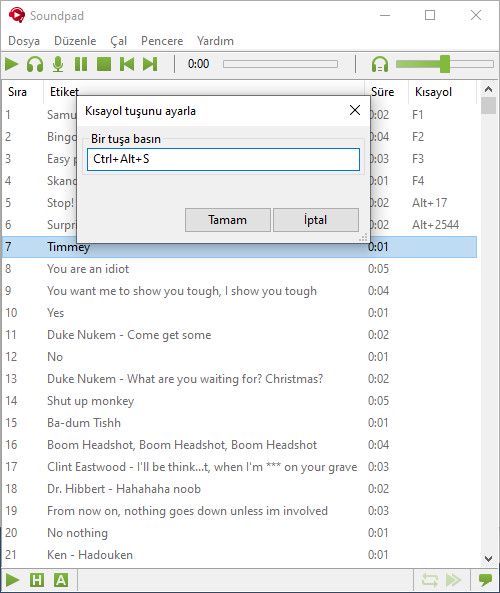
Hotkeys
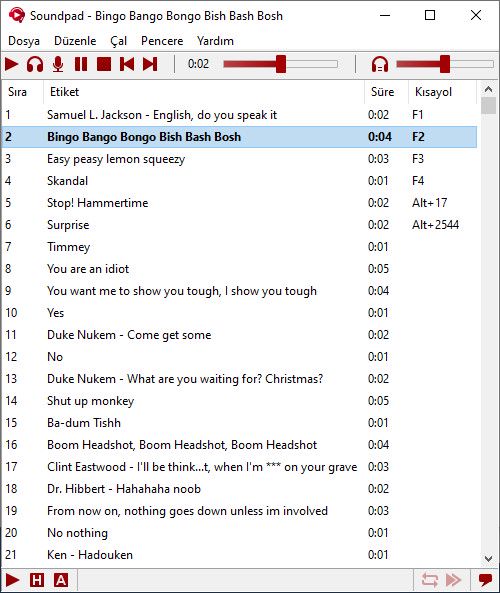
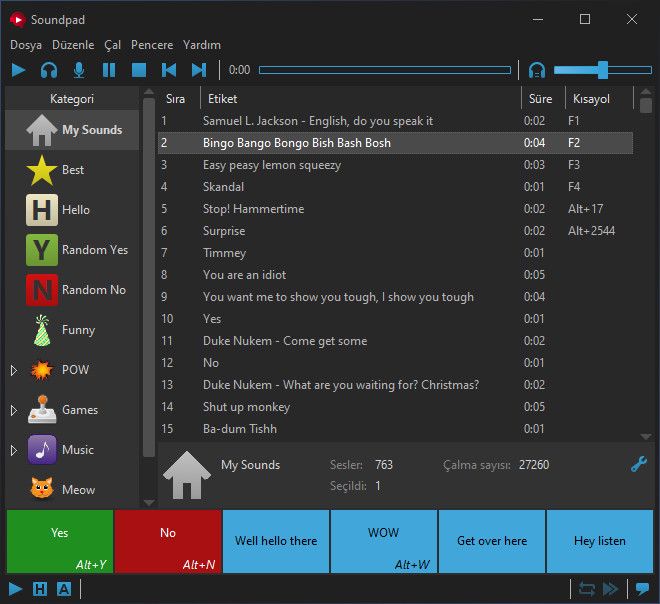
Set hotkeys for each and every sound file and play them quickly while ingame.
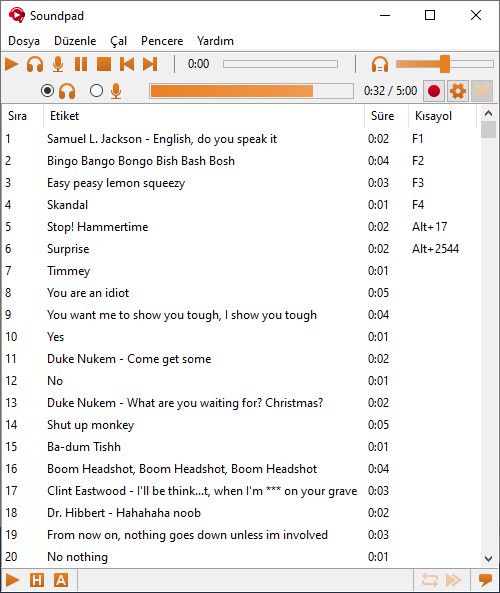
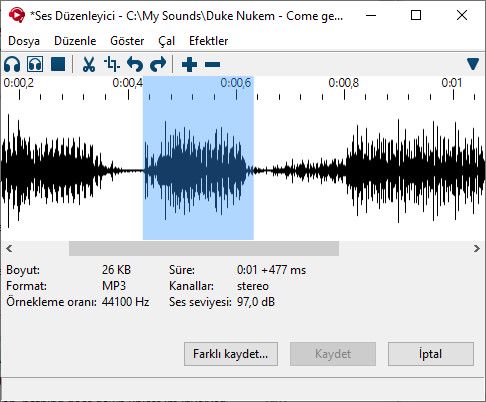
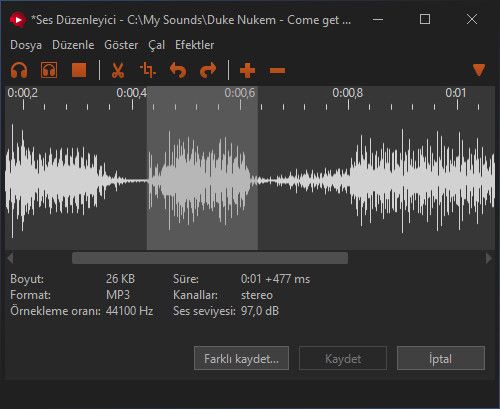
Sound recorder and editor
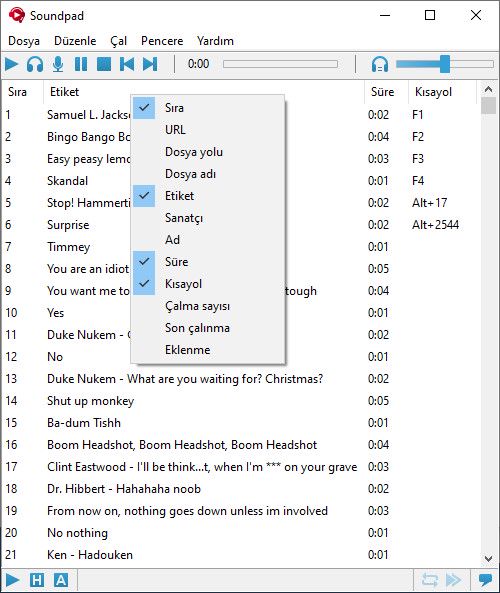
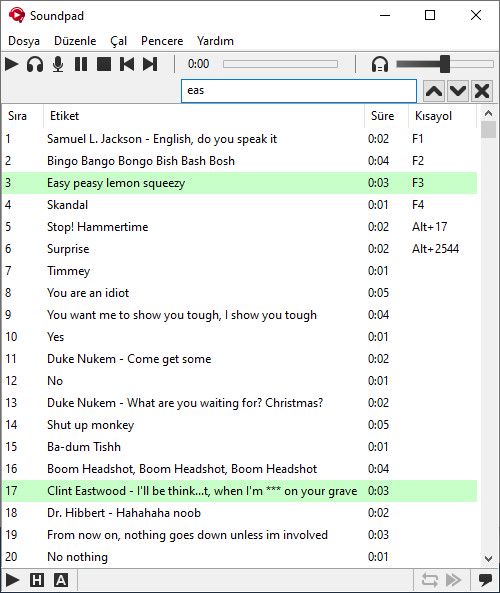
🖼 Screenshots
Volume normalization
Some of your sound files are quiet while others are too loud? The integrated volume normalization will equalize the volume, so it meets the volume of your voice.
Easy setup
Soundpad extends your default recording device, which most commonly is your microphone, without installing additional devices.
Supported file types
aac, flac, m4a, mp3, ogg, opus, wav, wma
Check out the demo and start collecting your individual sounds!
▶ Video
⚙ System requirements
Minimum system requirements
Minimum:
• OS *: Windows 7 or newer
• Processor: Intel or AMD with 1 GHz or faster
• Memory: 512 MB RAM
• Storage: 20 MB available space
• Sound Card: A sound card must be installed
• Additional Notes: At least one audio recording device, e.g. microphone